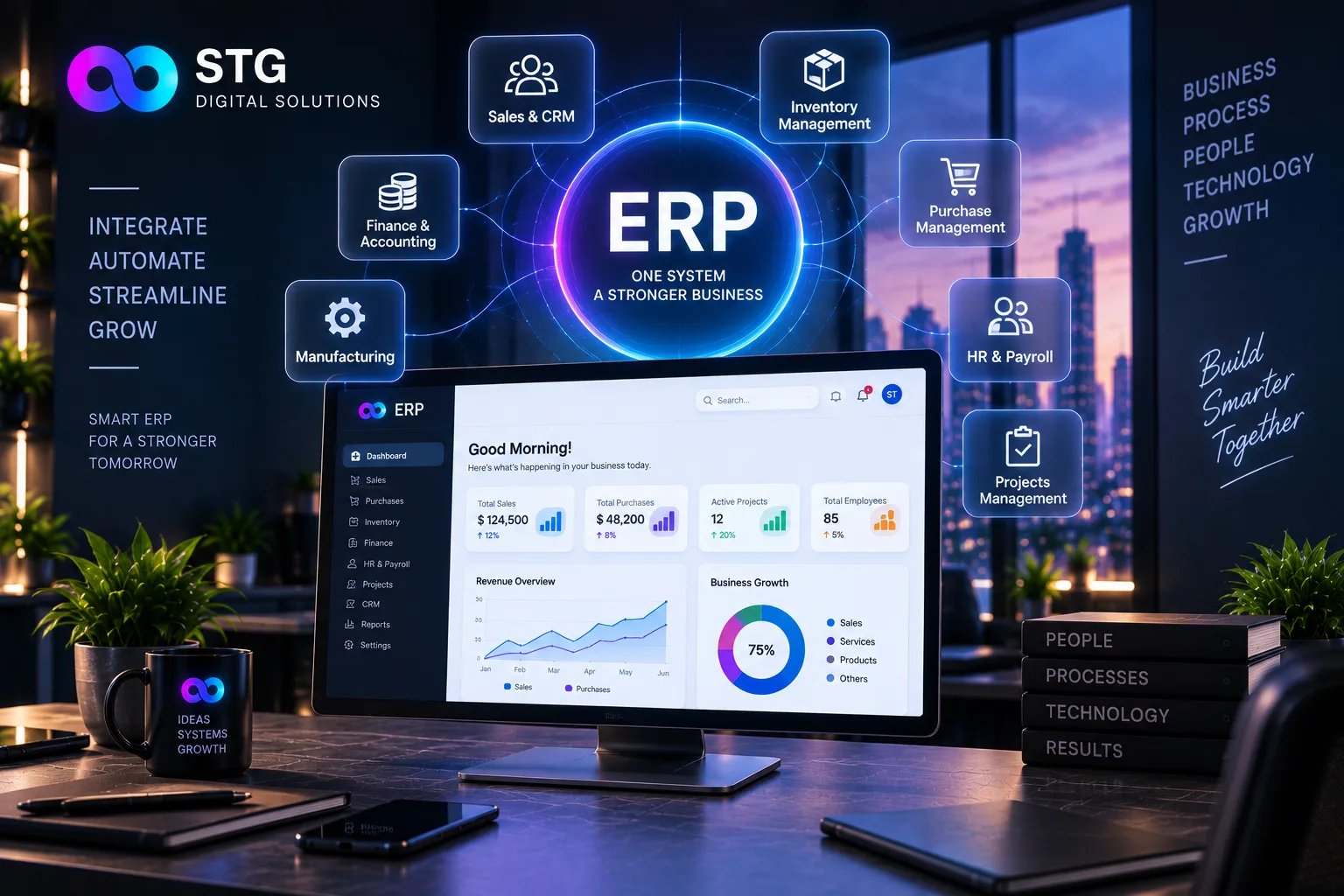

STG Digital Solutions implements ERP systems for growing businesses, and in our experience the software is rarely the problem. Success depends on how the project is planned and rolled out.
1. Map your current processes
Document how sales, purchase, inventory, production, accounts and HR work today, including the workarounds.
2. Define what success means
Faster billing? Accurate stock? Real-time reports? Write measurable goals before choosing anything.
3. Choose the right scope
Start with the modules that solve the biggest problems. Trying to do everything at once is the most common cause of delays.
4. Clean and migrate your data
Customer lists, item masters, opening stock and balances must be cleaned before importing. Bad data in means bad reports out.
5. Configure, test and adjust
Set up the system to match your processes, then test with real scenarios: a full order from quote to payment, a purchase from order to receipt.
6. Train every user
Role-based training for each team, with simple written guides. Identify a champion in each department who others can ask.
7. Go live carefully, then improve
Pick a quiet period to go live. Run old and new systems in parallel briefly if possible. After launch, collect feedback and refine.
Frequently asked questions
How long does ERP implementation take?
It depends on the modules and business size. Small phased rollouts can go live in weeks, while larger implementations take several months.
Why do ERP projects fail?
Common causes are unclear goals, too much scope at once, poor data migration, skipped training and no clear owner on the business side.
Should we run old and new systems together?
A short parallel run helps catch mistakes and builds confidence, but keep it brief to avoid double work.
Common mistakes to avoid
- Customising before understanding standard features
- Skipping training to save time
- Leaving data migration to the last week
- No single person responsible on the client side
We plan and deliver ERP projects step by step. Book a free consultation.