
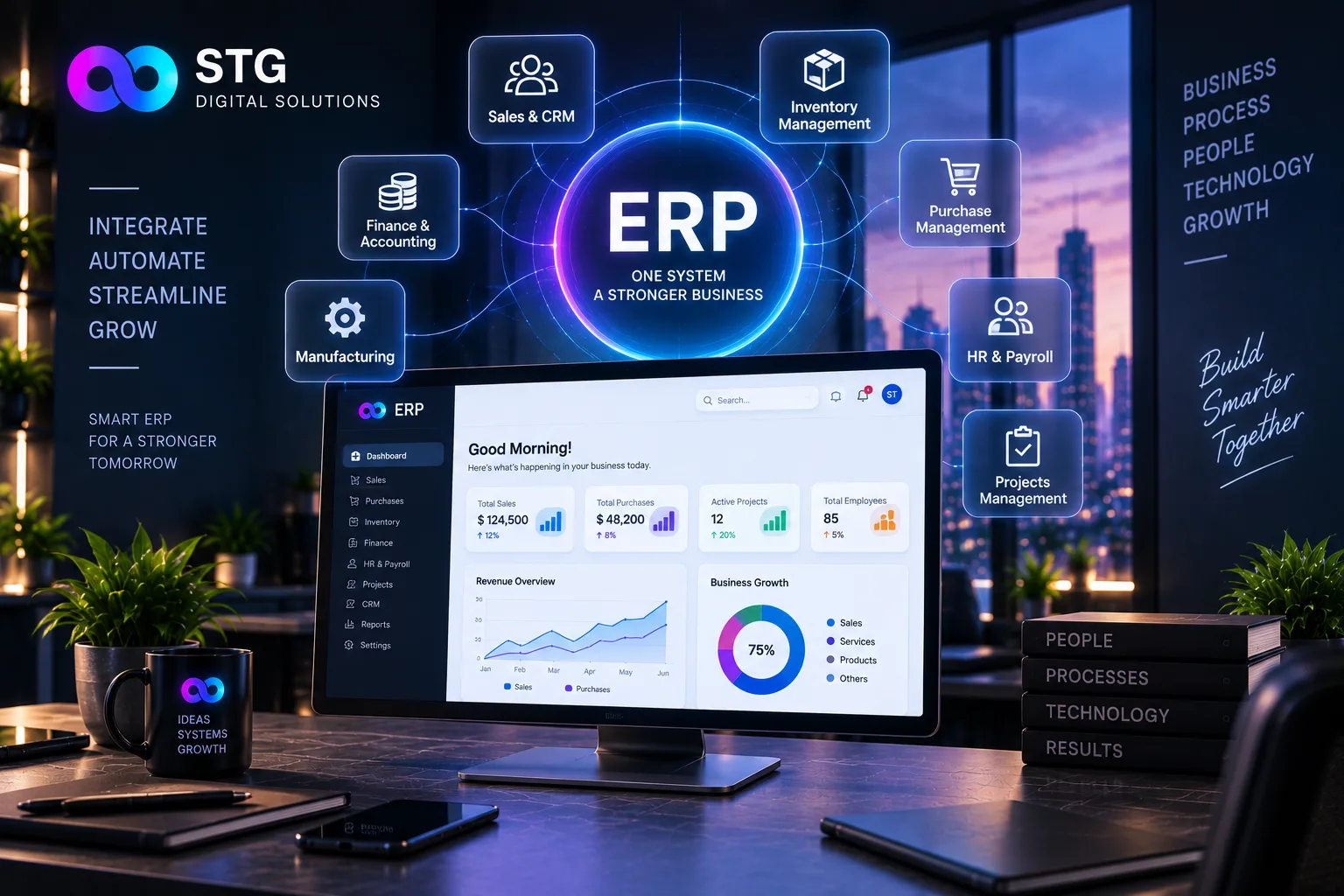
Many business owners think ERP is something only large companies need. In reality, an ERP (Enterprise Resource Planning) system is simply one place where your sales, stock, purchases, accounts and staff information live together. If you run a growing trading, manufacturing, retail or distribution business, it may be exactly what you need.
What an ERP actually does
Instead of separate sheets for each department, an ERP connects them:
- A sale automatically reduces stock and creates an invoice
- Low stock triggers a purchase reminder
- Payments update your accounts and customer balances
- Reports show the whole business in real time
Signs it's time to switch
- You have more than one branch, warehouse or godown
- Stock figures in your records rarely match what's on the shelf
- Month-end accounts and GST filing take days
- You can't easily see who owes you money and for how long
- Different staff keep different versions of the same data
- Growth is creating more paperwork instead of more profit
Off-the-shelf or custom ERP?
Ready-made ERPs work well when your processes are standard. A custom ERP makes sense when your business has its own way of working, such as special pricing, production steps or approval rules, that generic software forces you to change.
The right system should fit your business, not force your business to fit the system.
How to switch without disruption
- Map your current process before choosing any software
- Start with the most painful area, usually inventory or billing
- Move your existing data carefully and check it twice
- Train your team properly and keep the old process running briefly as a backup
- Add modules gradually: accounts, HR, payroll, CRM
The real benefit: clarity
The biggest change our clients notice isn't just saved time. It's being able to open one dashboard and see sales, stock, dues and cash flow at a glance, even from a phone.
Learn more about our ERP and business management software, or book a free consultation and we'll map your process and show you what could be automated.